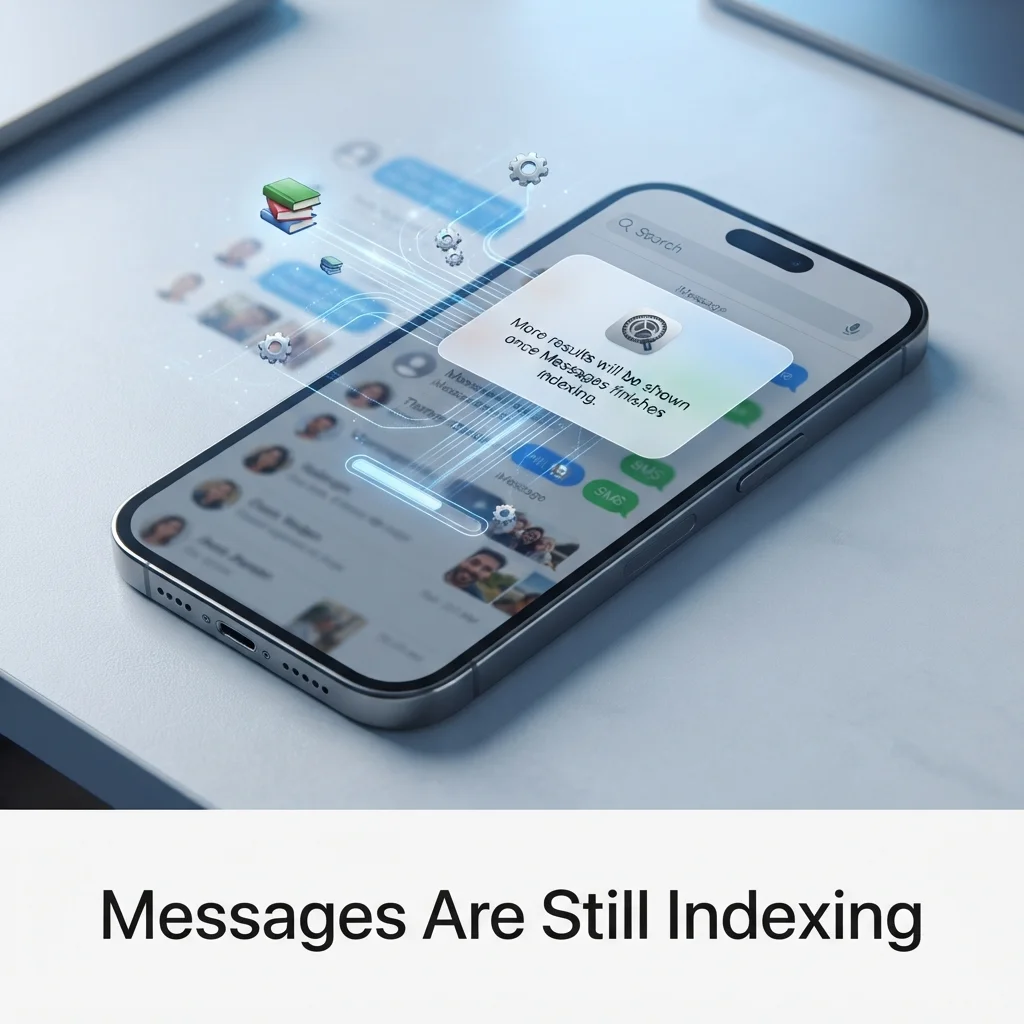
Seeing “More results will be shown once Messages finishes indexing” can feel alarming. Your old texts look missing, and search shows only a few results.
Relax. Your messages are safe. This guide explains what messages finish indexing means, how long indexing takes, and how to fix it when it gets stuck.
What Does It Mean When Messages Finish Indexing on iPhone?
It means your iPhone is still building a search index for Messages. Until it is done, search can look empty or incomplete.
Think of it like a library card catalog. The books are on the shelves, but the catalog is not finished yet. Your iMessage and SMS threads, photos and attachments are all still there. Only the Messages search results are limited.
The notice often shows up after:
- An iOS update, such as moving to iOS 27
- Setting up a new iPhone
- Restoring from an iCloud Backup or a computer backup
- Turning on Messages in iCloud
- Having a very large message history
One more fact helps here. Per Apple Support guidance quoted in the Apple Support Community, Messages in iCloud keeps your history in sync across iPhone, iPad, Apple Watch and Mac. It is end-to-end encrypted, so you cannot read it in a web browser. You view your messages only inside the Messages app on your devices. That sync work can also slow indexing down.
If you’re preparing to share a thoughtful message with someone going through a difficult loss, choosing the right words can make a meaningful difference. Explore these heartfelt sympathy messages for sincere, comforting words you can send when they need support most.
How Long Does It Take for Messages to Finish Indexing?
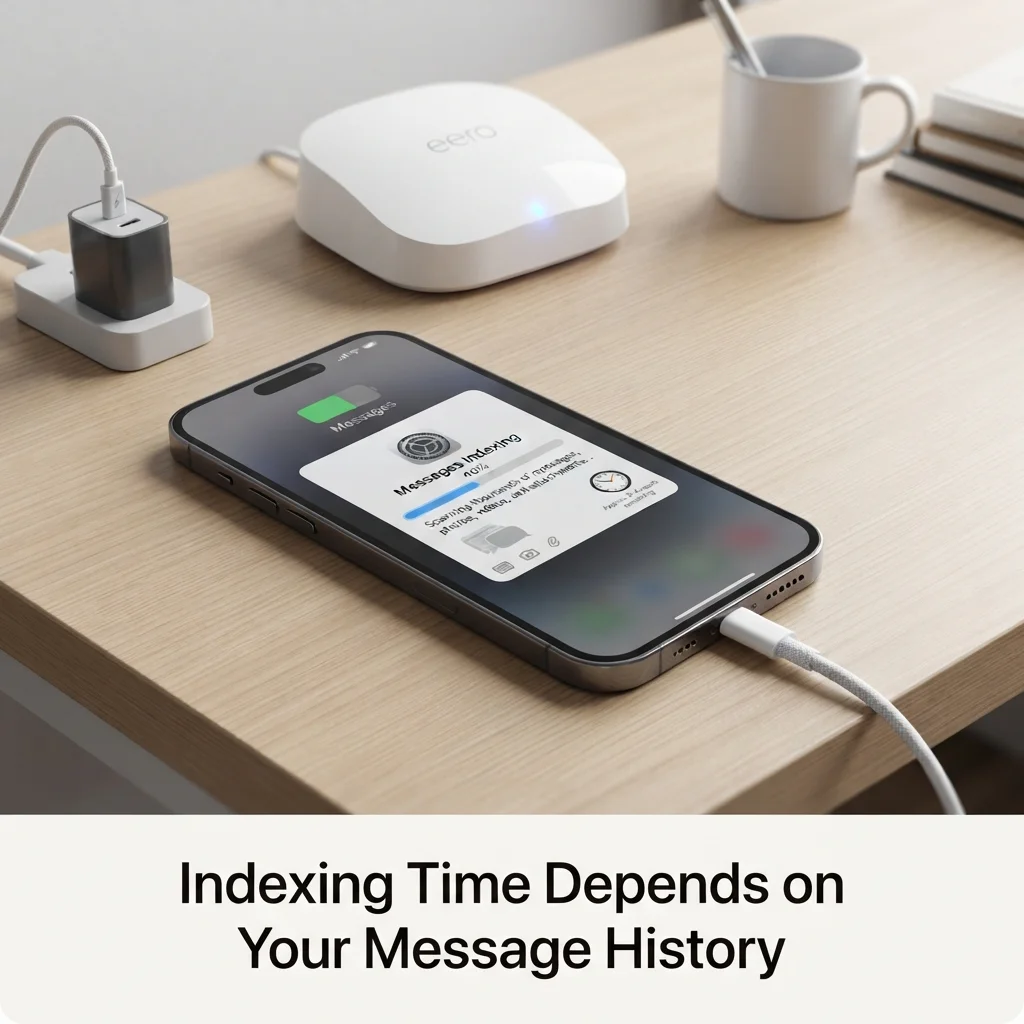
There is no fixed time. It depends on how much data your iPhone must scan. I could not find an official time from Apple.
A small history may finish in minutes or a few hours. A big one, with years of photos, videos and attachments, can take a day or longer.
These things change the speed:
- Message count: More threads mean a longer wait.
- Attachments: Large files take longer than plain text.
- iPhone Storage: A nearly full phone slows everything down.
- Battery: Indexing runs best while the phone is charging.
- Low Power Mode: It cuts background activity, so indexing can stall.
- Wi-Fi: A weak connection slows iCloud sync.
Recent chats and small attachments usually finish first. Older threads come later. If the notice stays for several days, something is likely stuck. Move on to the fixes below.
How to Fix Messages Not Finishing Indexing on iPhone
Start with the easy fixes. Test after each one before moving on.
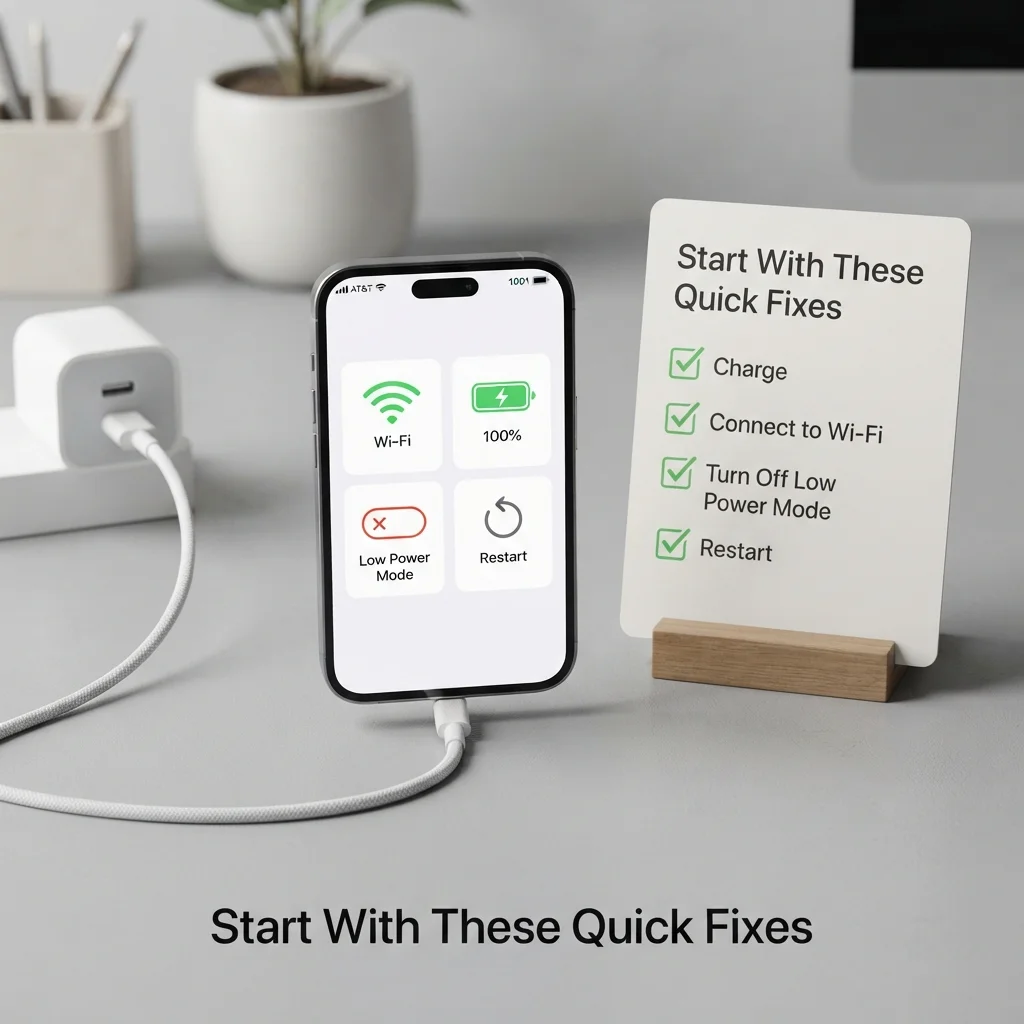
Quick fixes
- Plug in your iPhone and join stable Wi-Fi.
- Turn off Low Power Mode.
- Restart your iPhone. Force-closing the Messages app on its own does very little.
- Leave the phone locked for a few hours so iOS can work in the background.
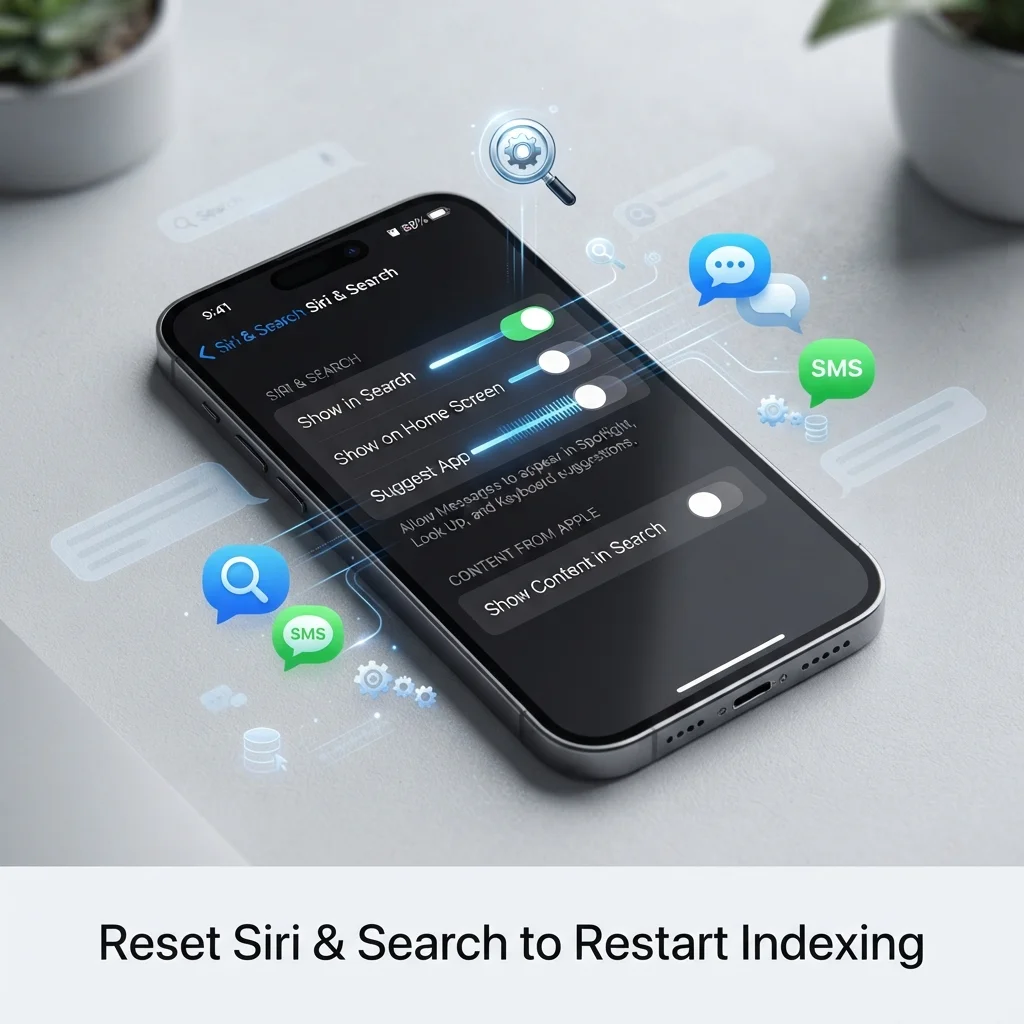
Reset Siri & Search for Messages
Go to Settings > Siri & Search > Messages. Turn off every option, restart your iPhone, then switch them back on. This often restarts the Spotlight index. Turning off Siri Suggestions for Messages for a short time can help too.
Refresh Messages in iCloud
Open Settings > your name > iCloud > Messages. Turn off Sync this iPhone. When asked, choose to keep messages on this iPhone. Restart, then turn it back on.
Free up space
Check Settings > General > iPhone Storage and iCloud storage. Remove big videos and old attachments. A full phone cannot finish indexing messages well.
Check these often-missed settings
- Date & Time: Turn on Set Automatically.
- Language & Region: A mismatch with your message language can confuse the index.
- iMessage: Turn it off, then on again, as a light reset.
Temporary tweaks
Turn off iCloud Backup and Background App Refresh for a while. This gives your iPhone more power to index. Turn both back on when the notice clears.
Last resorts
- Update to the latest iOS version.
- Try Reset All Settings. Your data stays, but settings return to default.
- Contact Apple Support. A hardware or software fault is possible.
- Restore from a backup only after saving a fresh one.
What will not help: deleting messages, force-closing Messages again and again, or downgrading iOS. Downgrading is complex and risky.
FAQs
What does it mean when an iPhone says messages finish indexing?
It means your iPhone is still building the search index for Messages. Your texts and attachments are safe. Search results may look incomplete until the indexing process ends, which often follows an update, restore or new iPhone setup.
How long does it usually take for messages to finish indexing?
It usually takes a few minutes to several hours. Large histories with many attachments can take a day or more. Keep the phone charging and on Wi-Fi to speed it up.
How can I finish indexing my messages?
Plug in your iPhone, join Wi-Fi, turn off Low Power Mode, and restart. Then reset Siri & Search for Messages and refresh Messages in iCloud. Free up iPhone Storage if it is almost full.
How long does indexing take?
Messages indexing time depends on message count, attachments, storage and battery. Small histories finish quickly. Big ones can run for a full day. If it lasts several days, try the fixes above or contact Apple Support.
Conclusion
The messages finish indexing notice is normal after updates, restores and new setups. Your messages are not gone. Give your iPhone time, keep it charged and on Wi-Fi, and try the fixes in order.
If Messages indexing still will not finish after a few days, reach out to Apple Support for help.

Timmy Abu Zar is the writer and voice behind CondolenceMessages.com, dedicated to helping people find comforting words during life’s most difficult moments. With a deep respect for the many ways people grieve and remember, Timmy writes thoughtful, sincere messages and guides to support readers through loss, no matter their background or beliefs.