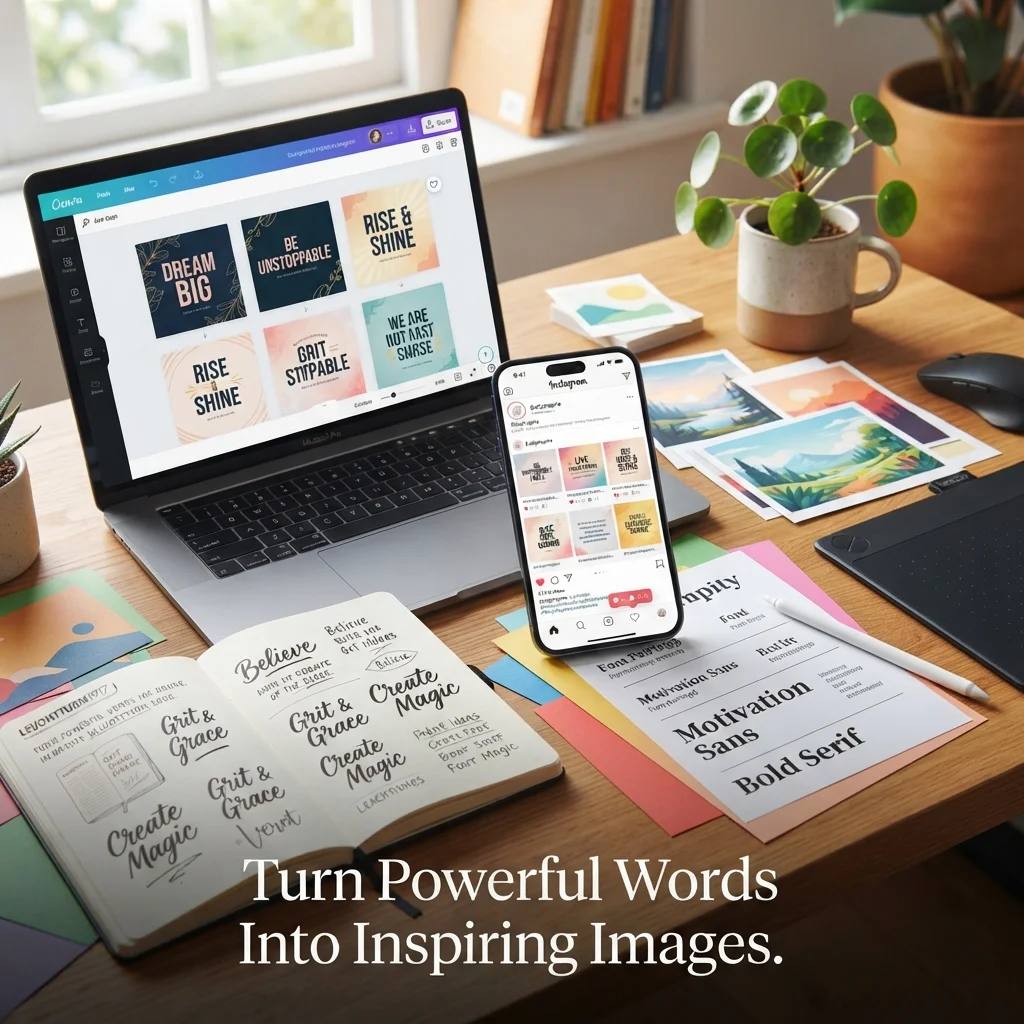
A plain quote is easy to scroll past, but a motivational message image makes people stop. It adds color, mood, and a reason to hit save or share.
This guide lists 125 motivational message image tools, from AI art makers to free templates and mobile apps. You’ll also learn how to build a quote image step by step, plus design tips that help your posts get noticed.
Best Motivational Message Image Tools for Quote Designs (125+)
Every tool below helps you turn words into a shareable quote graphic. They’re sorted by use, so you can jump to the type that fits your goal. Always check each tool’s license before using designs for business.
Here is a quick guide to picking by goal.
| Your goal | Tool types to start with |
|---|---|
| Fast posts with zero design skill | Free template tools, mobile apps |
| Unique, artistic backgrounds | AI image generators |
| Daily quotes on autopilot | Bulk and API tools, schedulers |
| Reels, Shorts, and TikTok | Animated and video quote makers |
| Wall art and gifts | Printable and print-on-demand tools |
Must Visit: 355+ Daily Task List with Motivational Messages to Stay Focused, Productive & Inspired
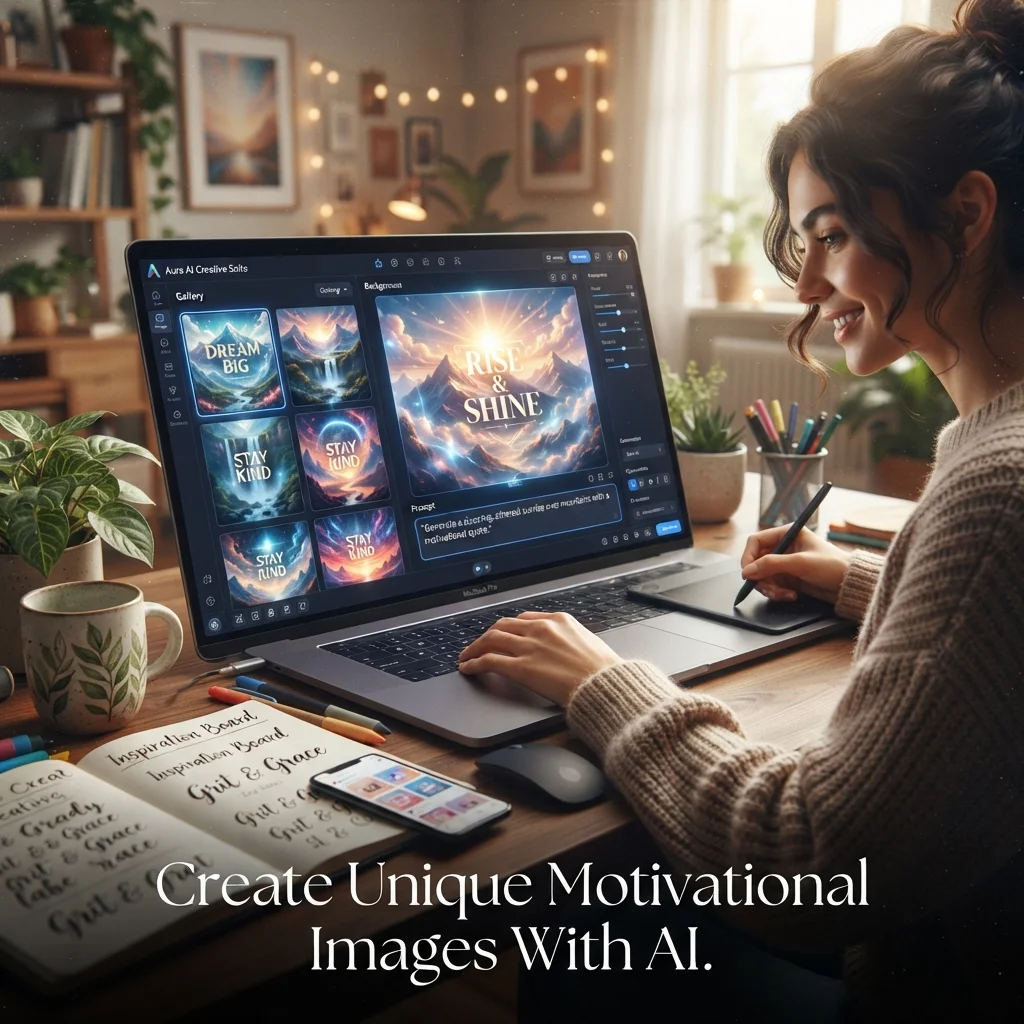
AI quote image generators and AI art tools
An AI quote image generator reads your prompt and builds a matching background. Some also place the text for you.
- Midjourney: creates moody, artistic backgrounds from text prompts.
- ChatGPT image generation: turns a prompt into a quote card with text included.
- Adobe Firefly: generates images and styled text effects from short prompts.
- Leonardo AI: builds stylized backgrounds with fine control.
- Ideogram: known for placing readable text inside images.
- Microsoft Designer: makes social graphics from a short description.
- Bing Image Creator: turns simple descriptions into free images.
- Canva Magic Media: creates images from text inside the Canva editor.
- Canva Magic Design: builds ready-made layouts around your quote.
- Google ImageFX: generates images from prompts using Google’s image model.
- Google Gemini: creates images and quote ideas in one chat.
- Stable Diffusion: open-source model for custom backgrounds.
- DreamStudio: web app for running Stable Diffusion models.
- Playground AI: generates and edits images on a simple canvas.
- Craiyon: quick, free text-to-image tool.
- Freepik AI Image Generator: creates visuals alongside a large stock library.
- Fotor AI Image Generator: makes AI art inside a photo editor.
- Picsart AI Image Generator: creates images, then edits them in the same app.
- Recraft: produces vector-style and illustrated graphics.
- Krea AI: offers fast image generation and upscaling.
- Lexica: searchable gallery and generator for AI art prompts.
- Visme AI Image Generator: makes images inside a full design suite.
- Simplified: AI design platform with image tools and templates.
- Getimg.ai: generates and edits images with several AI models.
- Starry AI: easy AI art generator with a mobile-friendly design.
Free quote image makers and design tools
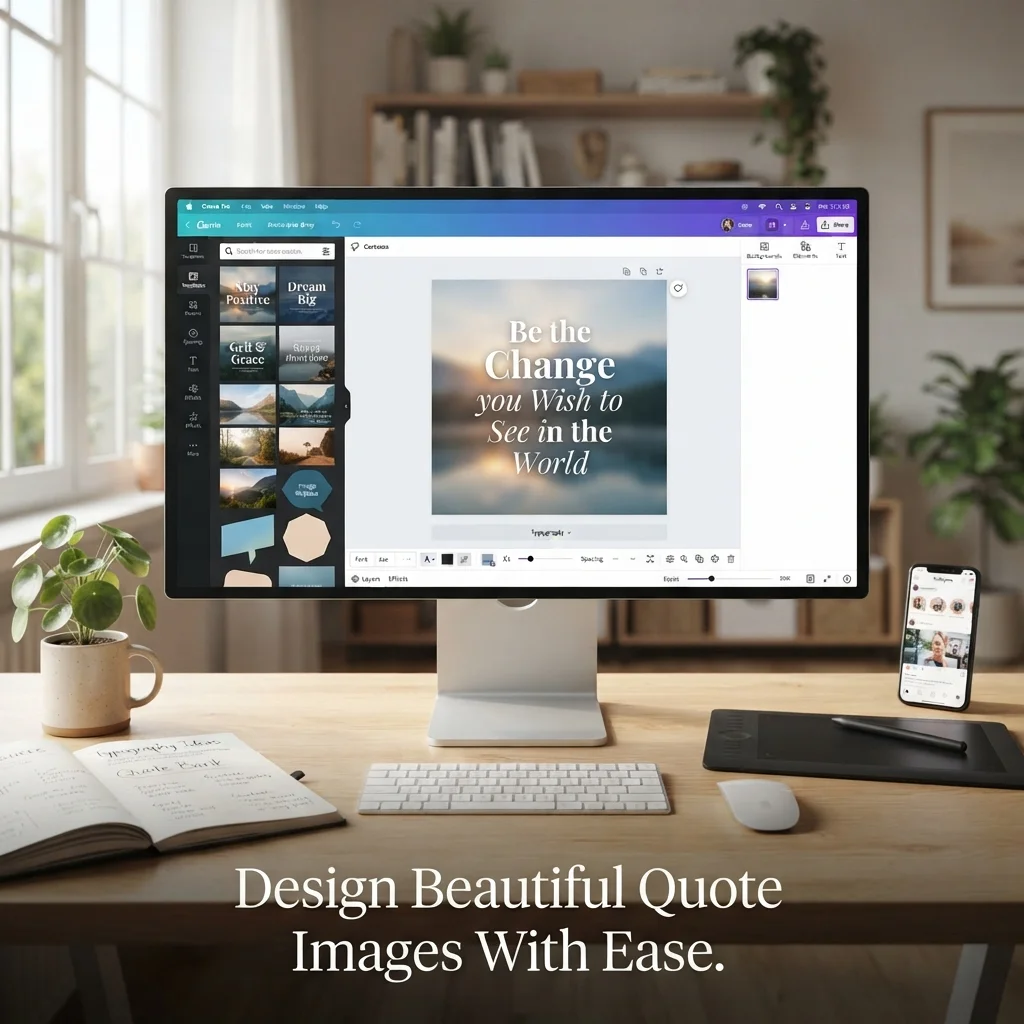
These motivational quote image makers offer templates, fonts, and drag-and-drop editing. Most have a free plan.
- Canva: huge template library with simple drag-and-drop editing.
- Adobe Express: quick templates, fonts, and brand kits.
- VistaCreate: templates sized for popular social platforms.
- Visme: branded graphics and quote visuals in one place.
- Fotor: photo editor with text overlays and collage tools.
- PicMonkey: photo editing and graphic design together.
- BeFunky: photo editor and graphic designer in the browser.
- Snappa: simple maker for social media graphics.
- Pixlr: browser editor with layers and text tools.
- Piktochart: templates for social graphics and visual content.
- Venngage: easy designs for quotes and infographics.
- Placeit: template and mockup maker.
- Design Wizard: templates plus a built-in media library.
- DesignCap: online designer for posters and social posts.
- Stencil: fast quote graphics with a built-in quote library.
- Desygner: design tool for web and mobile.
- Easil: team-friendly design platform.
- Marq: brand template tool for consistent visuals.
- FotoJet: collage and design editor.
- Photopea: free browser editor that feels like Photoshop.
- GIMP: free, open-source image editor.
- Figma: collaborative tool for custom layouts.
- Adobe Photoshop: pro-level text effects and layers.
- Affinity: professional design suite for layers and type.
- Microsoft PowerPoint: build a slide, then export it as an image.
Must Visit: 105+ Sexual Messages: Flirty, Romantic & Passionate Messages to Ignite Desire
Motivational message and quote text sources
Great designs start with great words. These tools help you write or find the motivational message first.
- Claude: drafts short messages in any tone and length.
- Microsoft Copilot: suggests quote ideas and caption text.
- Jasper: writes marketing-style messages.
- Copy.ai: creates short copy and social captions.
- Writesonic: generates quick text variations.
- Rytr: simple AI writer for short messages.
- BrainyQuote: searchable library of famous quotes.
- AZQuotes: large quote database sorted by topic.
- Goodreads Quotes: quotes from books and authors.
- Wikiquote: sourced quotes with author details.
Mobile apps for quote images
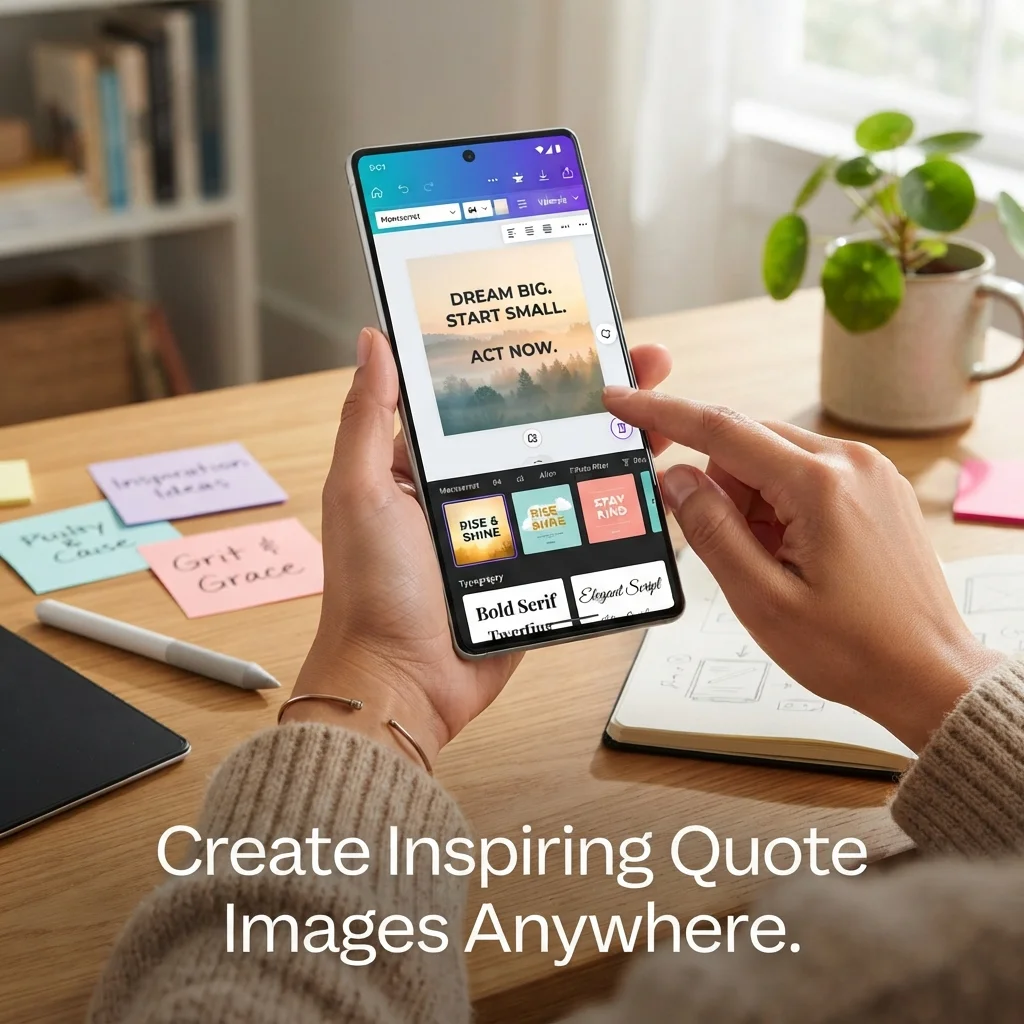
A quote image app lets you design in minutes from your phone. These apps work well for stories and quick posts.
- Word Swag: turns text into styled quote graphics.
- Typorama: adds stylish text to photos.
- Phonto: simple text-on-photo editor.
- GoDaddy Studio: templates for social posts and stories.
- Unfold: minimal story templates.
- Mojo: animated story templates.
- Snapseed: photo editor to polish backgrounds.
- Adobe Lightroom: adjusts light and color before adding text.
- VSCO: filters for a consistent mood.
- PicLab: photo editor with text and overlays.
- Adobe Photoshop Express: quick edits and text on mobile.
- Textgram: adds text to images with many fonts.
- Legend: animates text on photos and videos.
- Pixelcut: removes backgrounds and edits product photos.
- InShot: photo and video editor with text tools.
- Instagram Stories text tools: built-in fonts and colors.
- iPhone Markup: basic text and drawing on screenshots.
- Google Photos editor: light edits and filters.
- Apple Freeform: free-form canvas for quick designs.
- Samsung Gallery editor: built-in text and sticker tools.
Bulk, API, and scheduling tools
Want a new daily motivational quote image without extra work? These tools create designs in batches or post them for you.
- Bannerbear: generates images from templates through an API.
- Placid: creates images and PDFs from templates.
- Creatomate: renders images and videos from templates.
- Renderform: builds images from templates via API.
- APITemplate.io: generates images from JSON data.
- Templated: automates image and video creation.
- Abyssale: produces creatives in bulk.
- Cloudinary: manages and transforms images at scale.
- Canva Bulk Create: fills a template from a spreadsheet.
- Zapier: connects apps to automate posting.
- Make: builds multi-step automations.
- Buffer: schedules posts across platforms.
- Hootsuite: plans and publishes social content.
- Later: visual planner for Instagram and Pinterest.
- Sprout Social: schedules and tracks social posts.
Animated and video quote makers
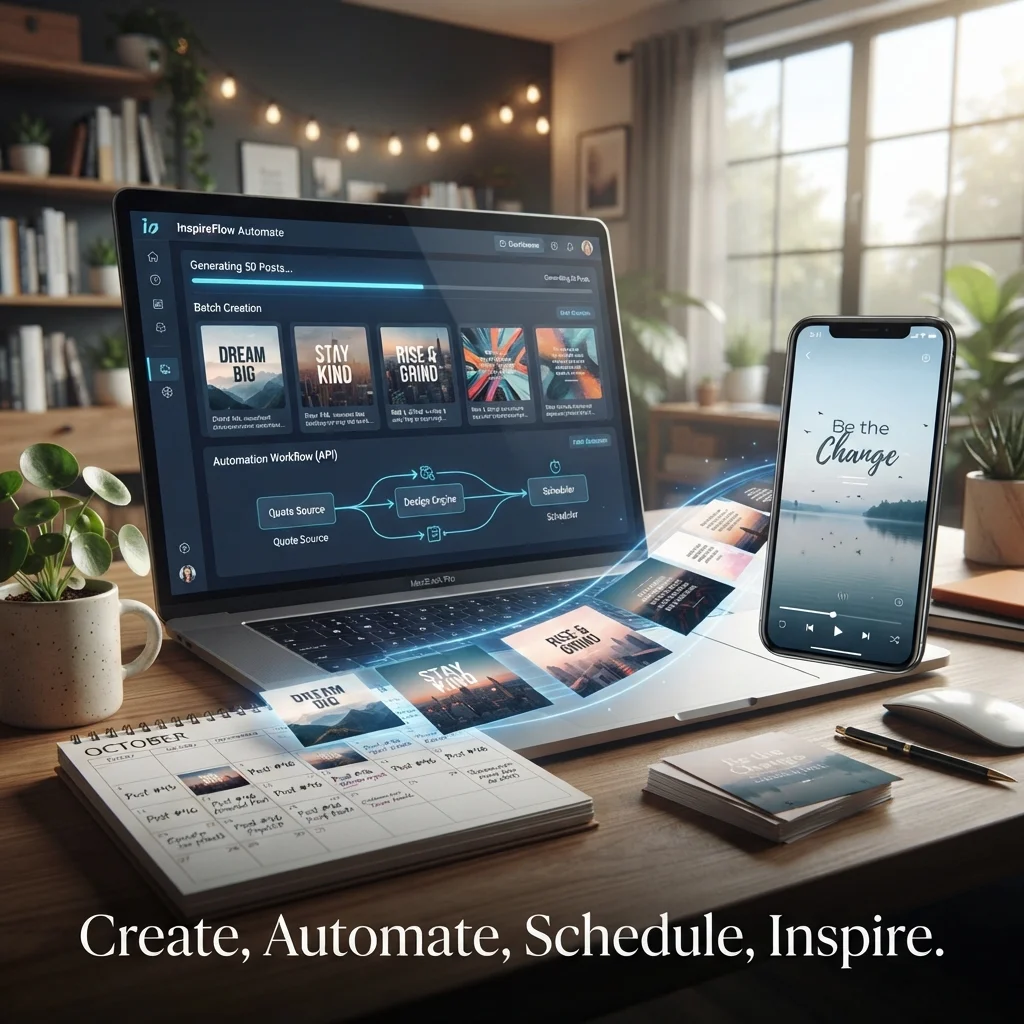
Motion adds energy. These tools turn one line of text into a short clip for Reels, TikTok, and YouTube Shorts.
- CapCut: easy video editor with text animation.
- Kapwing: browser video editor with subtitles and text.
- Animoto: builds short videos from templates.
- Biteable: simple video maker with scenes.
- Clipchamp: video editor with templates.
- VEED: online editor with text and subtitle tools.
- Lumen5: turns text into short videos.
- InVideo: template-based video creator.
- Flixier: cloud-based video editor.
- Renderforest: video and animation templates.
Free stock photo and background sources
A strong background makes the quote image feel finished. Choose calm photos with open space for text.
- Unsplash: free high-quality photos.
- Pexels: free photos and videos.
- Pixabay: free images, vectors, and videos.
- Freepik: graphics, photos, and templates.
- Burst: free stock photos for creators.
- StockSnap: free, high-resolution photos.
- Kaboompics: free photos with color palettes.
- Rawpixel: public domain images and graphics.
- Adobe Stock: paid library with a wide range.
- Shutterstock: paid library of photos and vectors.
Printable and wall-art tools
Some people want their favorite motivational messages on a wall or a mug. These tools help you print them.
- Printful: print-on-demand with a design maker.
- Printify: print-on-demand with mockups.
- Vistaprint: custom prints, cards, and posters.
- Shutterfly: photo gifts and prints.
- Zazzle: custom products and designs.
- Redbubble: print-on-demand marketplace.
- Society6: art prints and home goods.
- Mixtiles: photo tiles for walls.
- Minted: cards and art prints.
- Cricut Design Space: designs for cutting machines and crafts.
FAQs
What is a good message to motivate someone?
A good message is short, kind, and specific. It should show you believe in the person. Name the effort, not just the result. Try one of these.
I have watched you work hard. I know you will get there.
You have handled hard days before. You can handle this one too.
Take your time. I am proud of you for trying.
How to make a quotation with images?
Pick a short quote, open a quote image maker or AI tool, and choose a size. Add a calm background, set a clear font, and check the contrast. Export the file as PNG or JPG, then share it on Instagram, Pinterest, or your blog.
What are the best motivational messages?
The best ones are simple and easy to remember. They focus on action, hope, and growth. Here are a few that fit well on images.
Start where you are. Use what you have. Do what you can.
Progress is progress, no matter how small.
Your future self is cheering for you right now.
What is a motivation message?
A motivation message is a short note that gives someone energy, hope, or courage. It can be a quote, a text, or a card. People use these messages to encourage friends, teammates, students, and themselves.
Conclusion
The right motivational message image tool saves time and makes your words look professional. Start with a short message, a clear font, and a calm background.
Try two or three tools from this list this week. Keep the ones that feel easy, and build a small template set you can reuse every.

Timmy Abu Zar is the writer and voice behind CondolenceMessages.com, dedicated to helping people find comforting words during life’s most difficult moments. With a deep respect for the many ways people grieve and remember, Timmy writes thoughtful, sincere messages and guides to support readers through loss, no matter their background or beliefs.